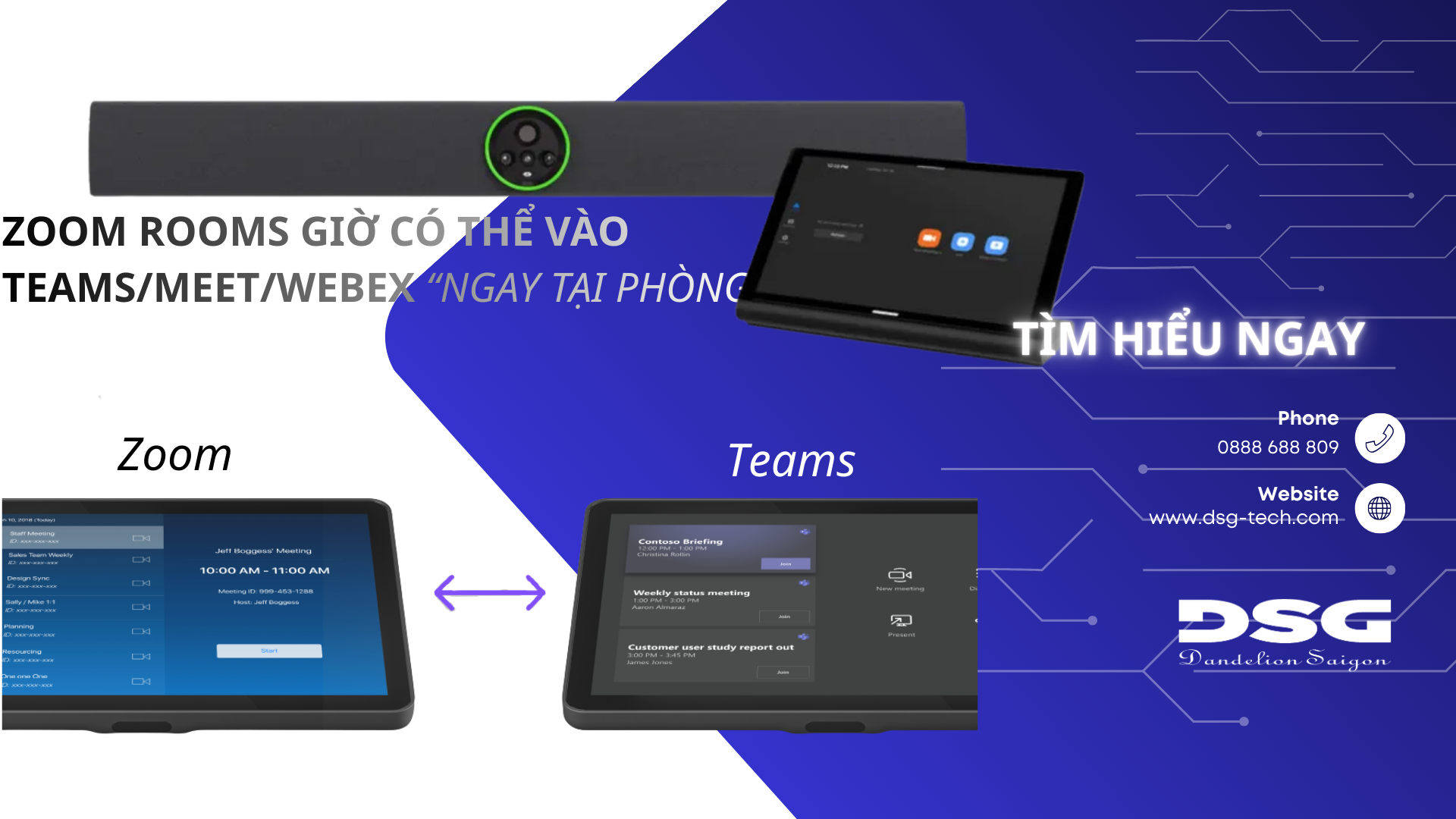
In the context of hybrid working, a common obstacle in meeting rooms is the lack of synchronization between the standardized meeting room platform (e.g., Zoom Rooms) and the platform of the guests or partners (Microsoft Teams, Google Meet, Webex). The Zoom Direct Guest Join (DGJ) update for Videobar 70 was introduced to solve exactly this problem, extending cross-platform compatibility for Zoom Rooms users directly on the meeting room device.
This update emphasizes the strategic direction of Crestron and Zoom in creating a barrier-free conferencing environment. DGJ support on Videobar 70 is not just an added feature, but an operational solution that helps standardize the user experience, regardless of the conferencing platform used.
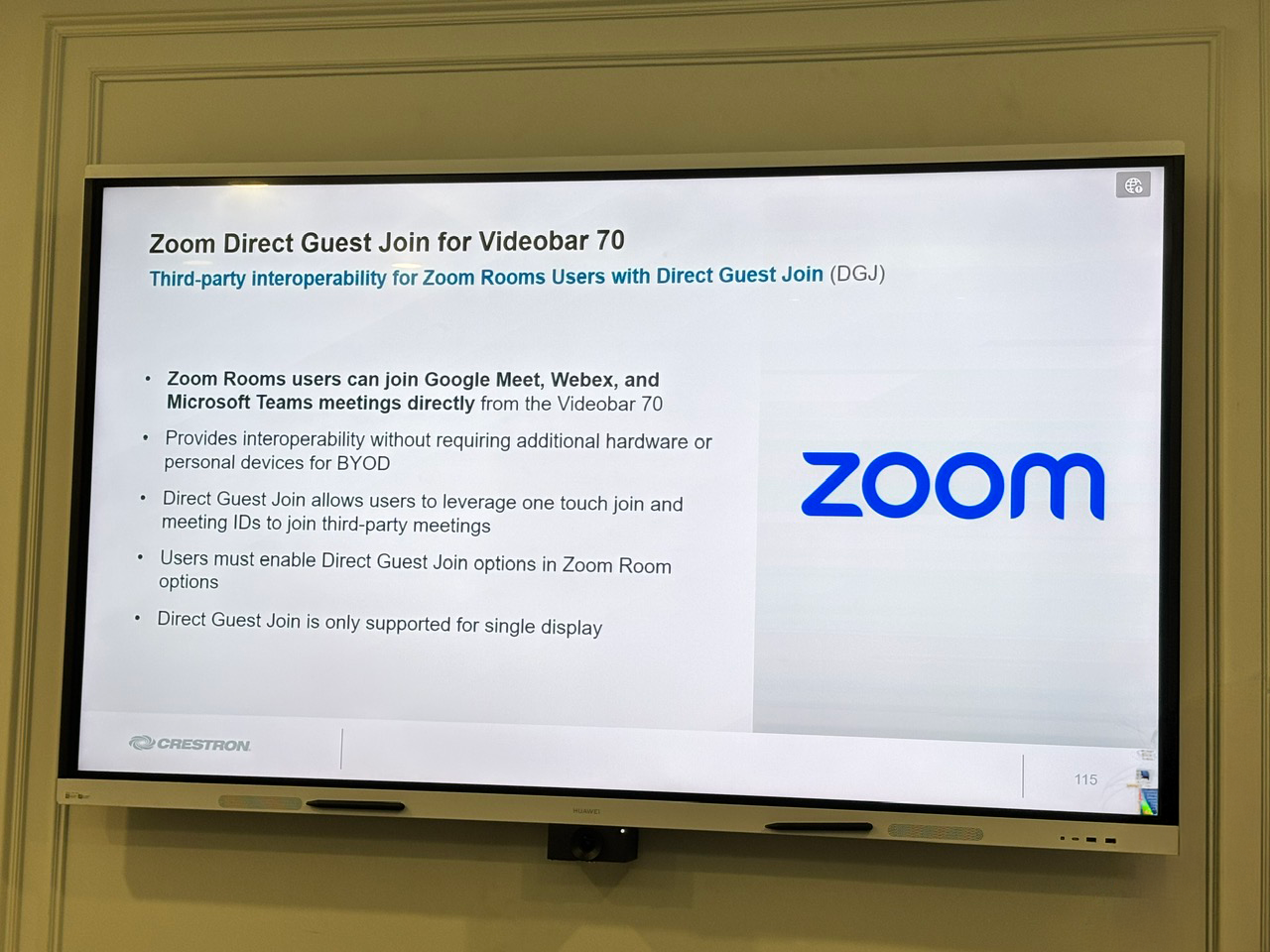
According to the update, Direct Guest Join (DGJ) is a mechanism that allows third-party interoperability specifically for Zoom Rooms users when utilizing the Videobar 70 device. This means that if your meeting room is equipped with a Zoom Rooms system running on Videobar 70, users can join meetings hosted on other platforms directly from the meeting room device, eliminating previously complex switching steps.
The core aspects of this feature bring process simplification and reduced technological dependency:
Zoom Rooms users can join Google Meet, Webex, and Microsoft Teams meetings directly from the Videobar 70.
This feature provides compatibility without needing additional hardware or personal devices (BYOD), minimizing operational risks.
DGJ allows joining third-party meetings through two familiar methods: One-touch join or entering the Meeting ID.
Key features
The key message of this update is "no BYOD needed and no additional hardware required". In a corporate environment, BYOD is often the source of issues such as lack of connection ports, driver errors, or dependency on personal laptop configurations, extending the meeting "warm-up" time. DGJ allowing access to other platforms directly on the Zoom Rooms system helps standardize the experience: users join scheduled meetings with a simple action, eliminating the situation of "borrowing a laptop to join the meeting". This not only minimizes operational risks for the IT department but also enhances the professionalism and effectiveness of meetings with partners.
The deployment of this feature revolves around simple yet mandatory administrative actions, ensuring the system is ready to operate: Administrative Activation: The IT department must enable the Direct Guest Join option in the Zoom Room administrative settings. User Action: Once the feature is enabled, users can join third-party meetings by selecting One-touch join (if the meeting is displayed on the room schedule) or Entering the Meeting ID to join the meeting manually.
A technical limitation explicitly stated by the manufacturer is: Direct Guest Join is only supported for meeting rooms configured with a single display. This is an important factor that businesses need to verify during assessment and deployment. Meeting rooms configured with dual displays cannot immediately leverage this feature. Therefore, the priority application of DGJ should focus on small meeting rooms, huddle rooms, or project rooms using a single-display setup first. Conclusion: The DGJ update for Videobar 70 is a significant step, making Zoom Rooms on Crestron Videobar 70 more flexible in supporting Google Meet, Webex, and Microsoft Teams. This not only reduces the need for BYOD and supplementary equipment but also maintains a simple meeting entry experience.
For businesses that frequently collaborate across multiple platforms, this is a valuable change to include in the meeting room standardization checklist, especially in single display spaces